AirPods and every headphone. At home on Windows.
Battery levels, audio output, noise control and a real equalizer for the headphones you already own. Free on Windows 10 and 11.
8 kHz · mono
Full stereo
No more telephone sound
A call opens the mic and Windows drops everything to mono. KikuTune holds the stereo.
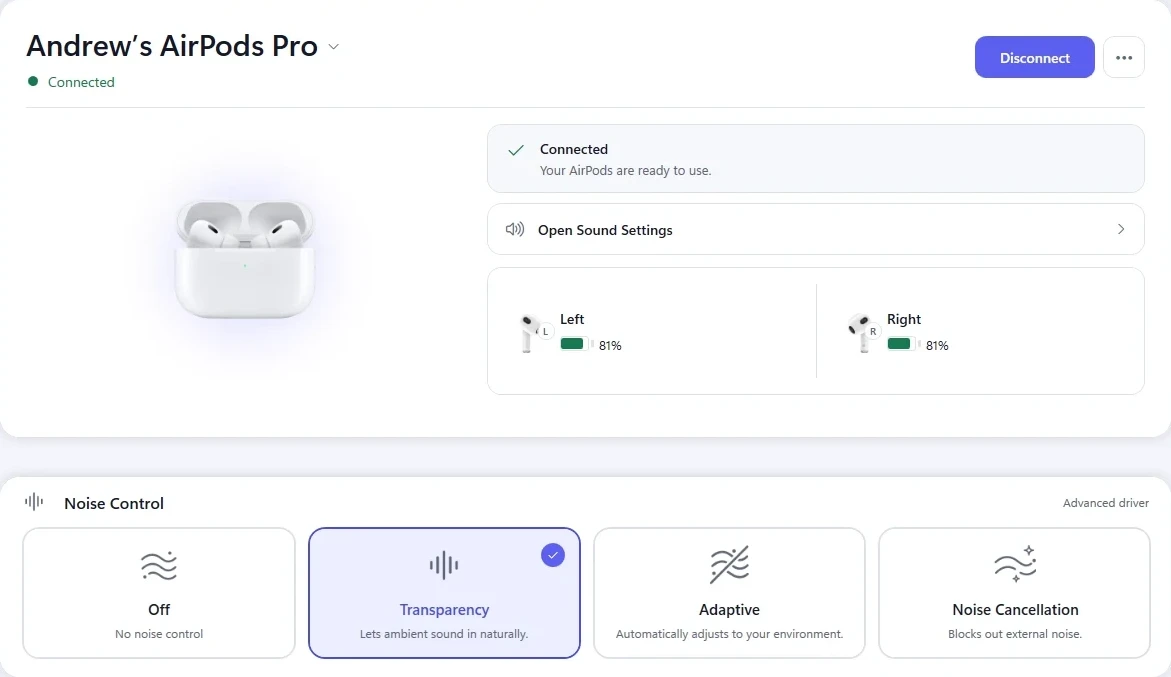
AirPods Pro
L
R
Charge, at a glance
Open the case and it appears. In the tray, all day.
 Off
Off Transparency
 Adaptive
 Noise Cancellation
Nothing to install but the app
No kernel driver, no Test Mode, no admin rights, no virtual cables.
Studio-grade audio engine
Sound that finally does them justice
up to55%
better sound on supported headphones
How much depends on the headphones.
72-frame look-ahead
It sees the peak coming and stops the clip before it happens.
64-bit double precision
Twice the precision of a 32-bit equalizer, so nothing rounds away.
AVX-512 acceleration
All of it runs on your CPU's vector units, not on its patience.
Crossfeed
Speakers in a room, not a band playing inside your skull.
Mid/side width
Pull the stereo in or push it wide, up to 12 dB either way.
Night mode
Whispers stay audible, explosions stop waking the house.
What it does on its own
Set it once, then forget it
Per-device profiles
Every pair remembers itself
Your good headphones and your cheap backups keep their own settings.
Per-app rules
Your game and your calls stop arguing
Point each app at the sound you want. Nothing to switch when you alt-tab.
Smart pause · free
Take one out, it pauses
Put it back and playback picks up. Free for everyone, no plan needed.
The first two are the paid part. $1.99 a month, seven days free. Everything else on this page is not.
Next to your phone
It knows there is an iPhone in the room
Release to iPhone
Hand the earbuds back to your phone in one click.
No trip through Windows Bluetooth settings to give them up.
Phone audio · beta
Play your iPhone through the PC you are already sitting at.
Calls and music arrive on the headphones already connected here.
Community presets
Start from a preset built for your exact model.
Browse by headphone, publish your own, keep the ones that work.
Supported devices
Made for the pair you already own
The controls change with the device, so you only ever see the ones it actually has.
Apple
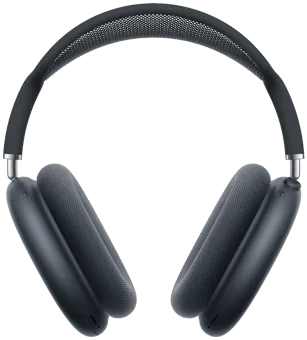
AirPods Max
Per-cup battery · Spatial-ready
Apple
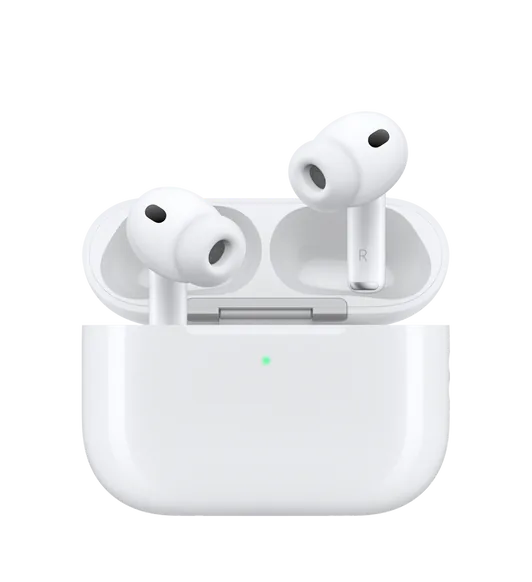
AirPods Pro
L · R · Case · Noise Control
Apple
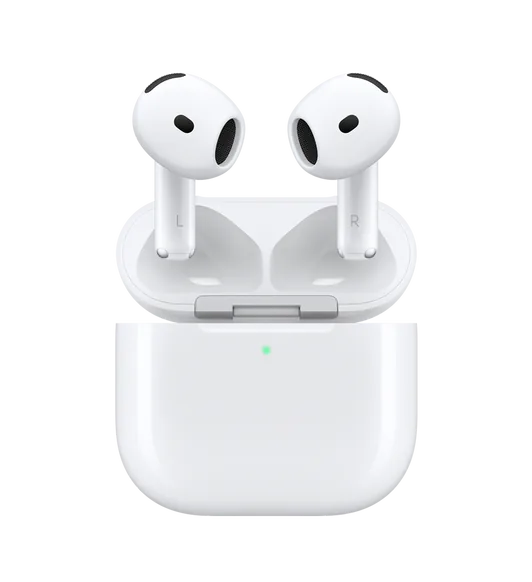
AirPods
Live L / R / Case battery
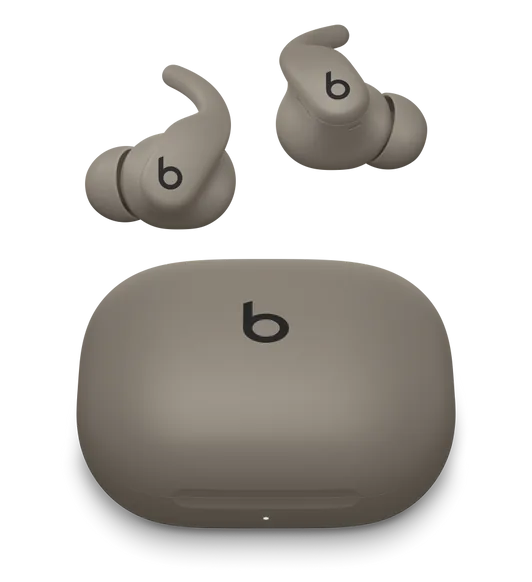
Beats
Fit Pro
Buds battery · Media control
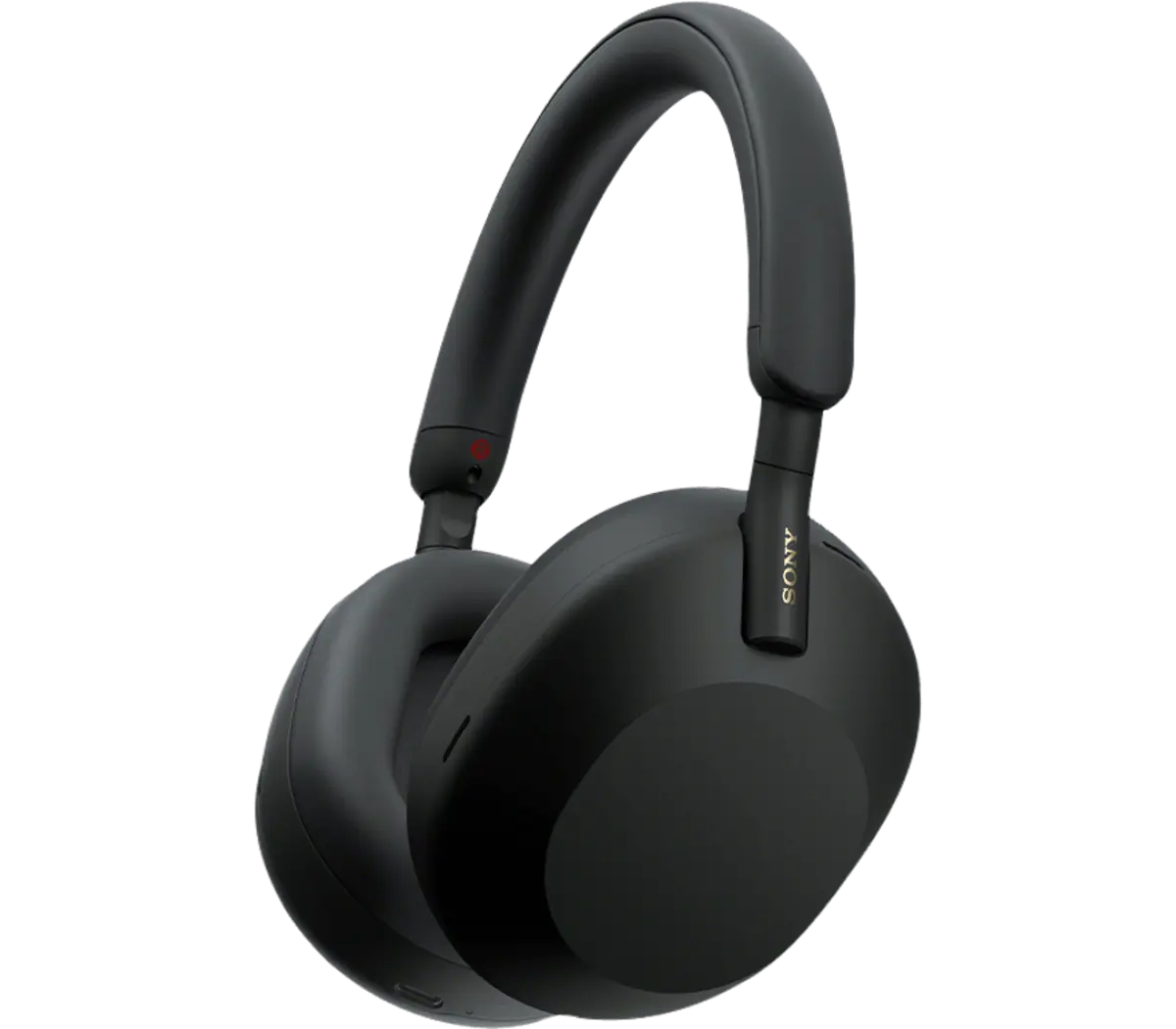
Sony
WH-1000X Series
Single-battery layout
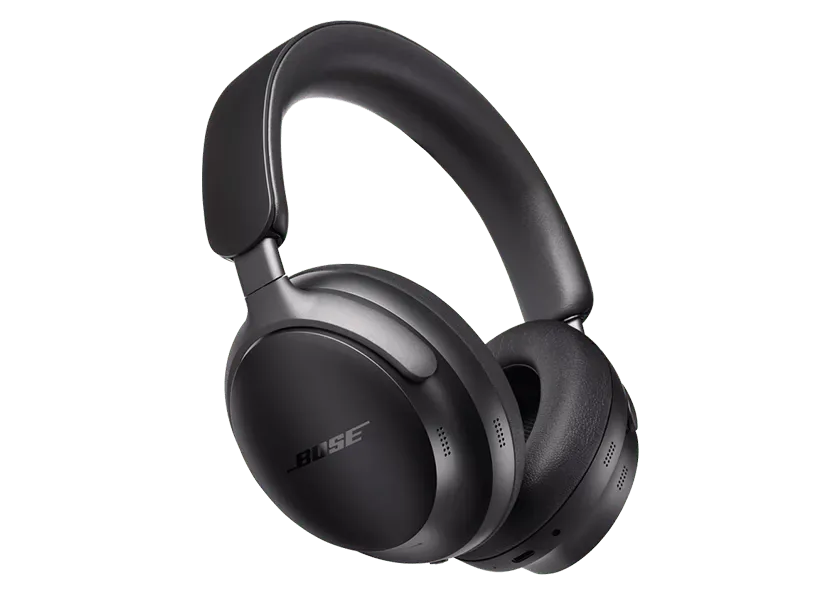
Bose
QuietComfort Ultra
One-tap output switch
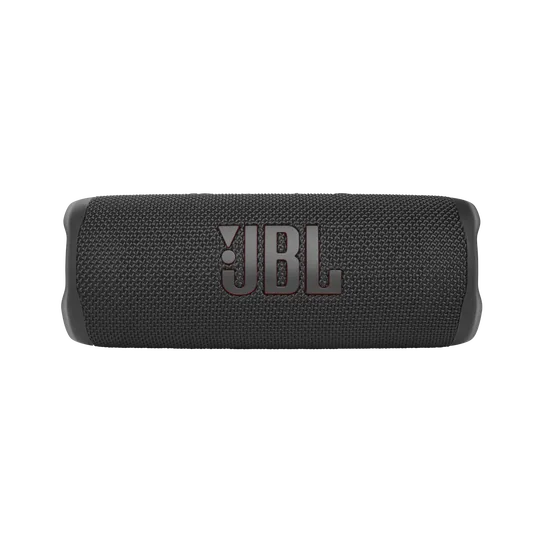
JBL
Flip · Charge
Instant Windows output
Any Device
Bluetooth Audio
Every paired headphone
Pricing
Free, and genuinely free
No trial on the app itself, no feature held back to make a point.
The app
Free
Battery, output switching, noise modes and the equalizer. No account, no ads, no time limit.
Pro, if you want it
$1.99/ month
Seven days free. Profiles that switch themselves, rules per app, and your own custom presets.
What Pro addsBefore you ask
Questions people ask
No. Everything above works signed out. An account only adds publishing presets and keeping them across PCs.
AirPods, Beats, Sony, Bose, JBL and other Bluetooth devices. The app shows only the controls your model supports.
The app is free — battery, output switching, noise modes, the equalizer and smart pause all cost nothing. Pro is $1.99 a month with seven days free, and adds Model Tune, audience modes and the 64-bit studio path.
It is a small app with no unnecessary background services, and it uninstalls cleanly.
Headphone problems on Windows, explained
Short answers to what goes wrong with AirPods and other Bluetooth headphones on a PC.
- AirPods connected but no sound on Windows
- Why AirPods battery does not show on Windows
- Why your audio sounds bad during Windows calls
- How to use an equalizer with AirPods on Windows
- AirPods Pro on Windows: what actually works
- AirPods keep disconnecting on Windows
- Noise cancellation controls for headphones on Windows
- How to pair AirPods with Windows 11
- Fixing Bluetooth audio delay on Windows
Free on Windows
Put your headphones back in your hands
Windows 10 and 11 · No account required · Free